An app by Hopbine Design
Interval
Take back your time from the scroll.
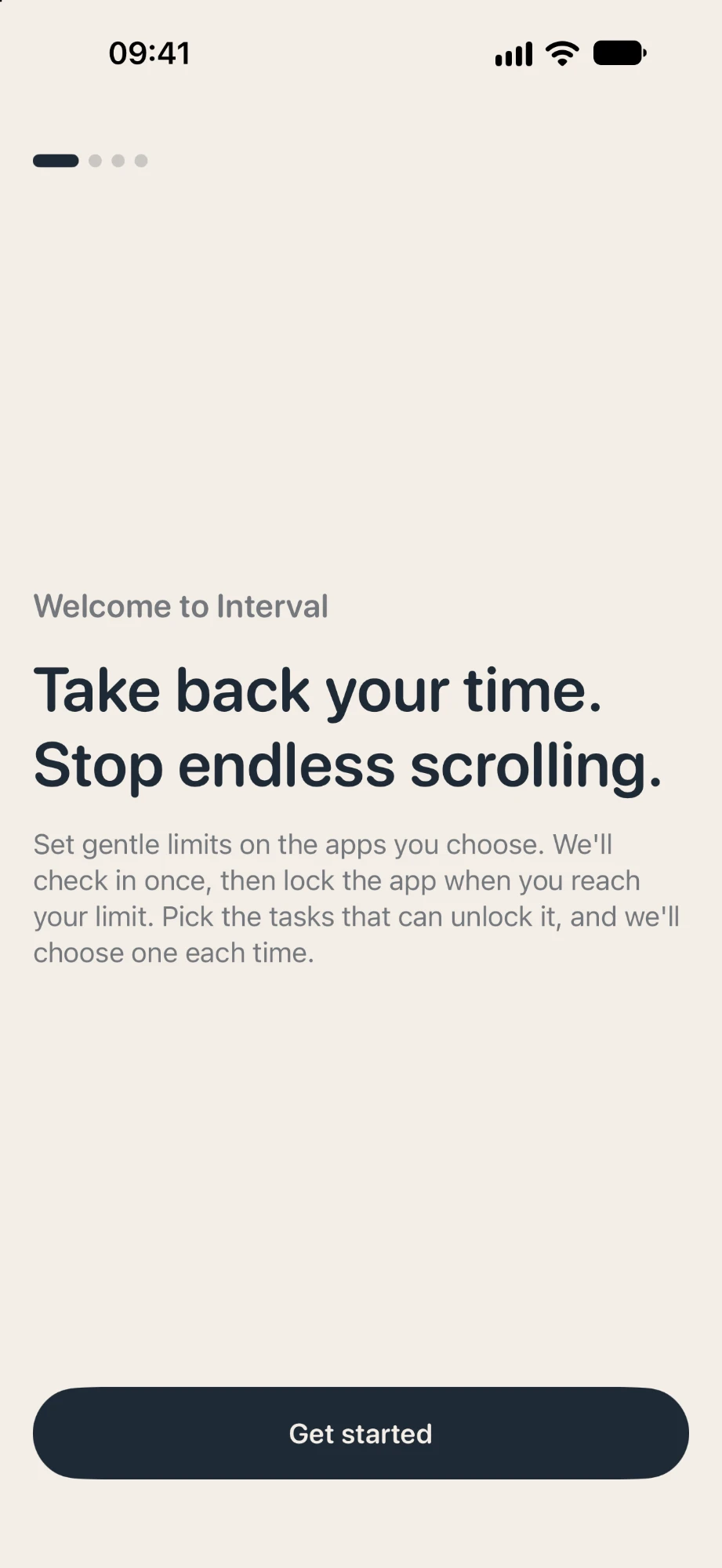
Interval gently interrupts endless reels and short-form video, so a quick look doesn't quietly become an hour. A quiet pause — no streak guilt, no cartoon mascots.
For iPhone & Mac · Free to download · Premium: 7 days free, then £3.99/month
01
Anti-Doom Scrolling
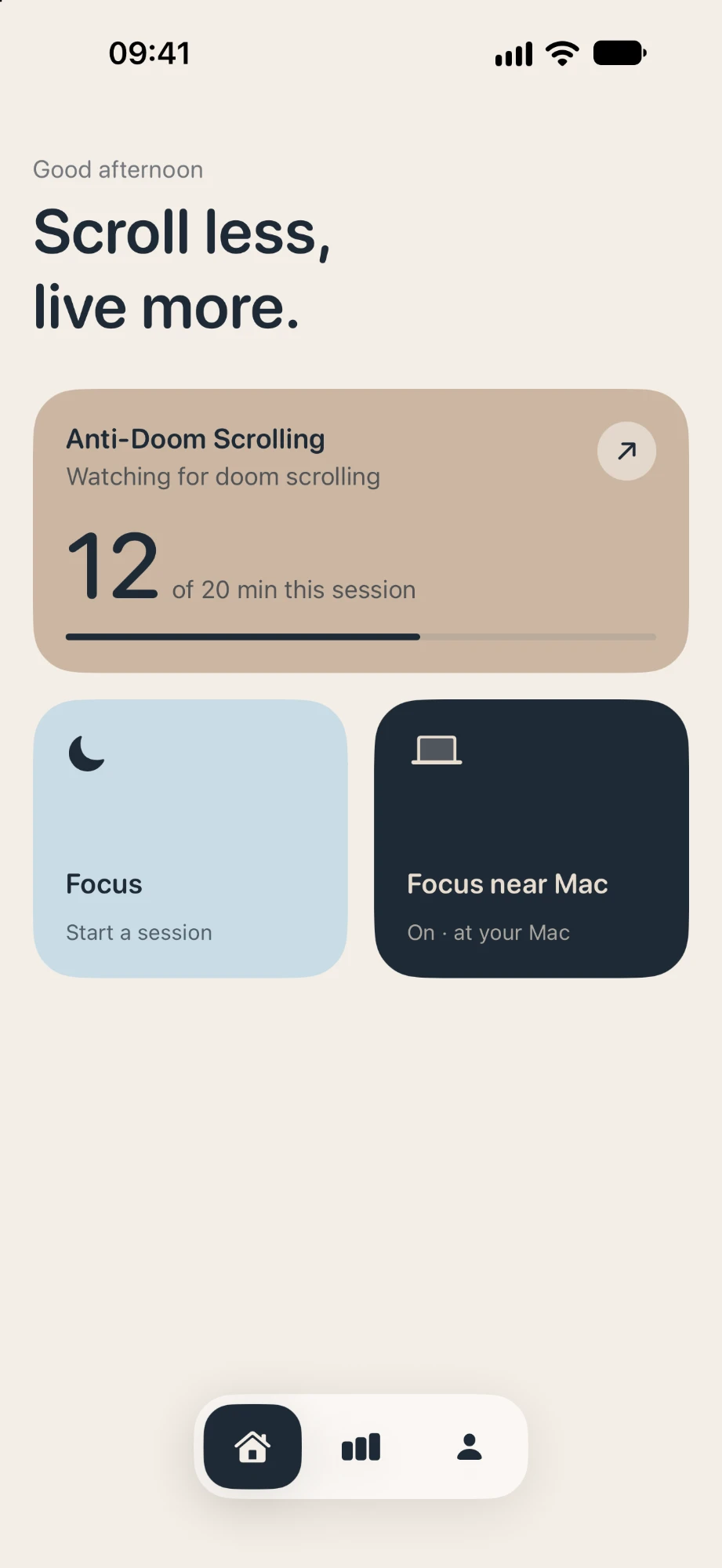
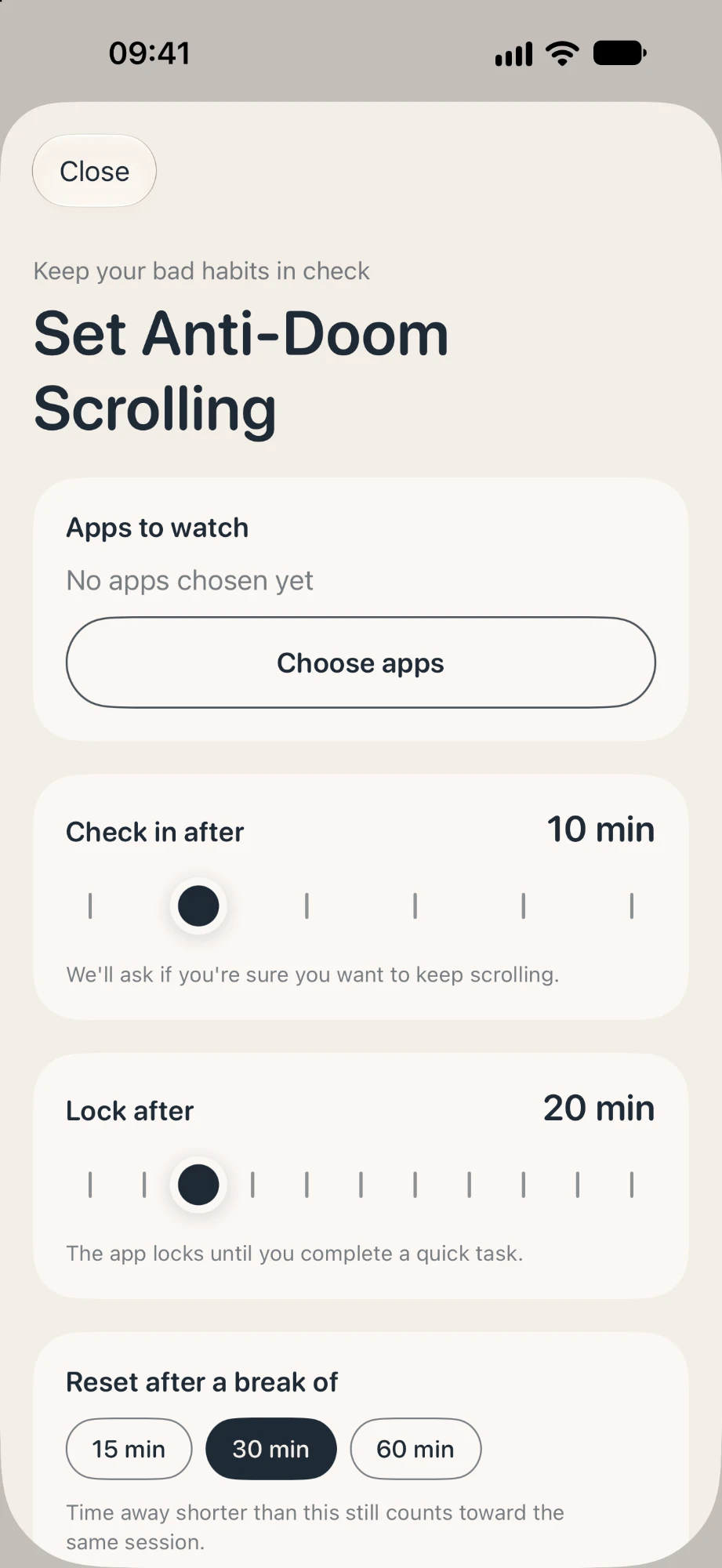
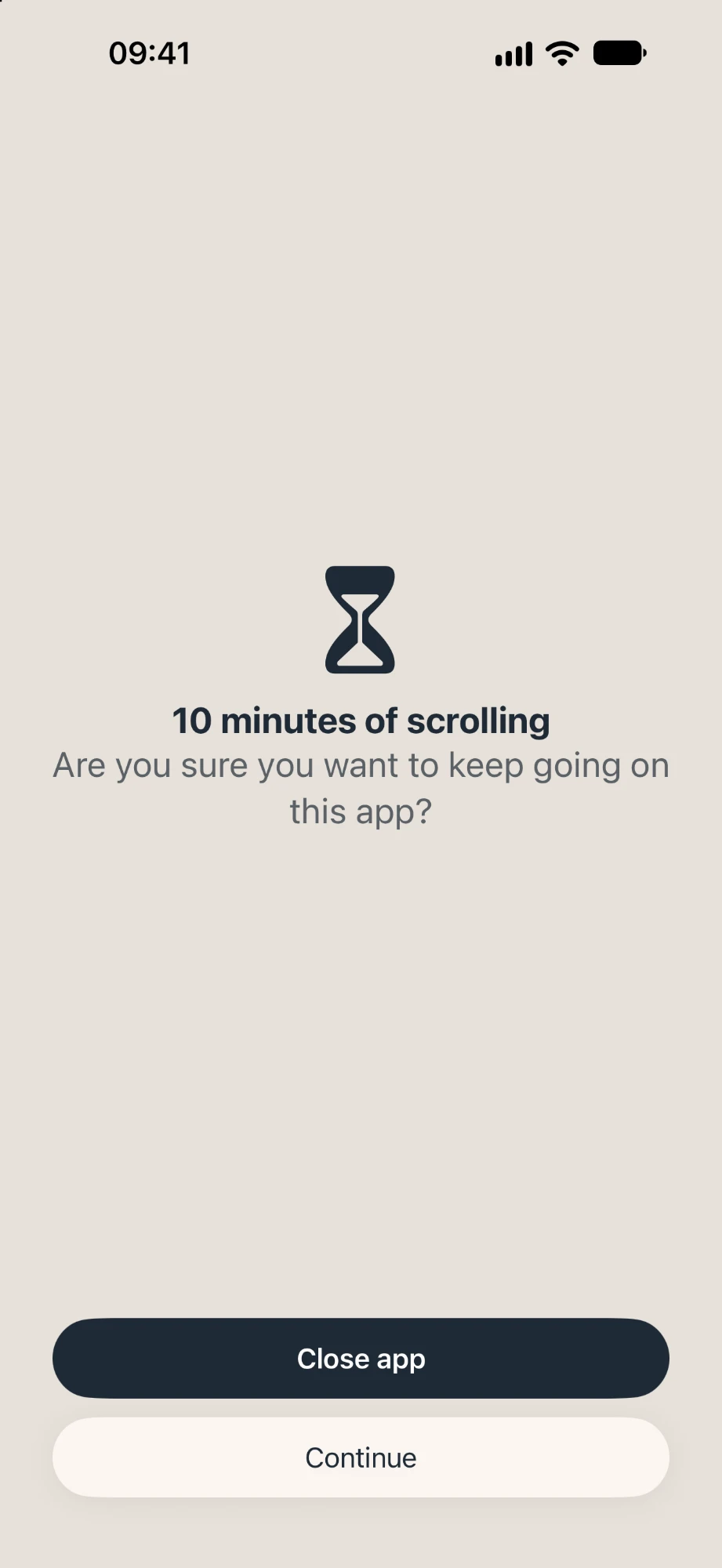
Choose the apps that eat your time and set gentle limits. Interval checks in once — “are you sure you want to keep going?” — then locks the app when you reach your limit. Short breaks still count, so you can't just close and reopen.
- Choose when Interval checks in
- Lock after a limit you choose
- Resets after a real break of 15, 30 or 60 minutes
02
Mindful unlocks
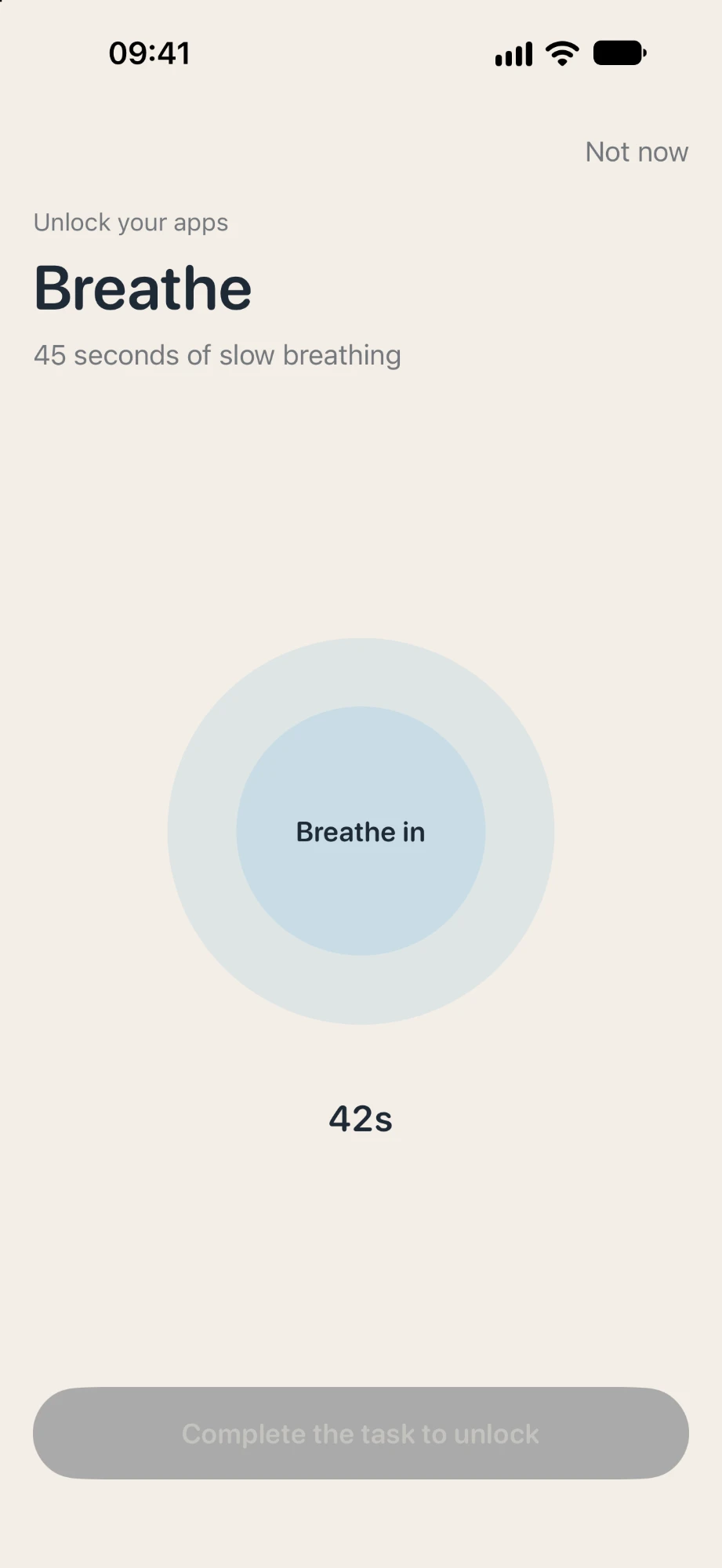
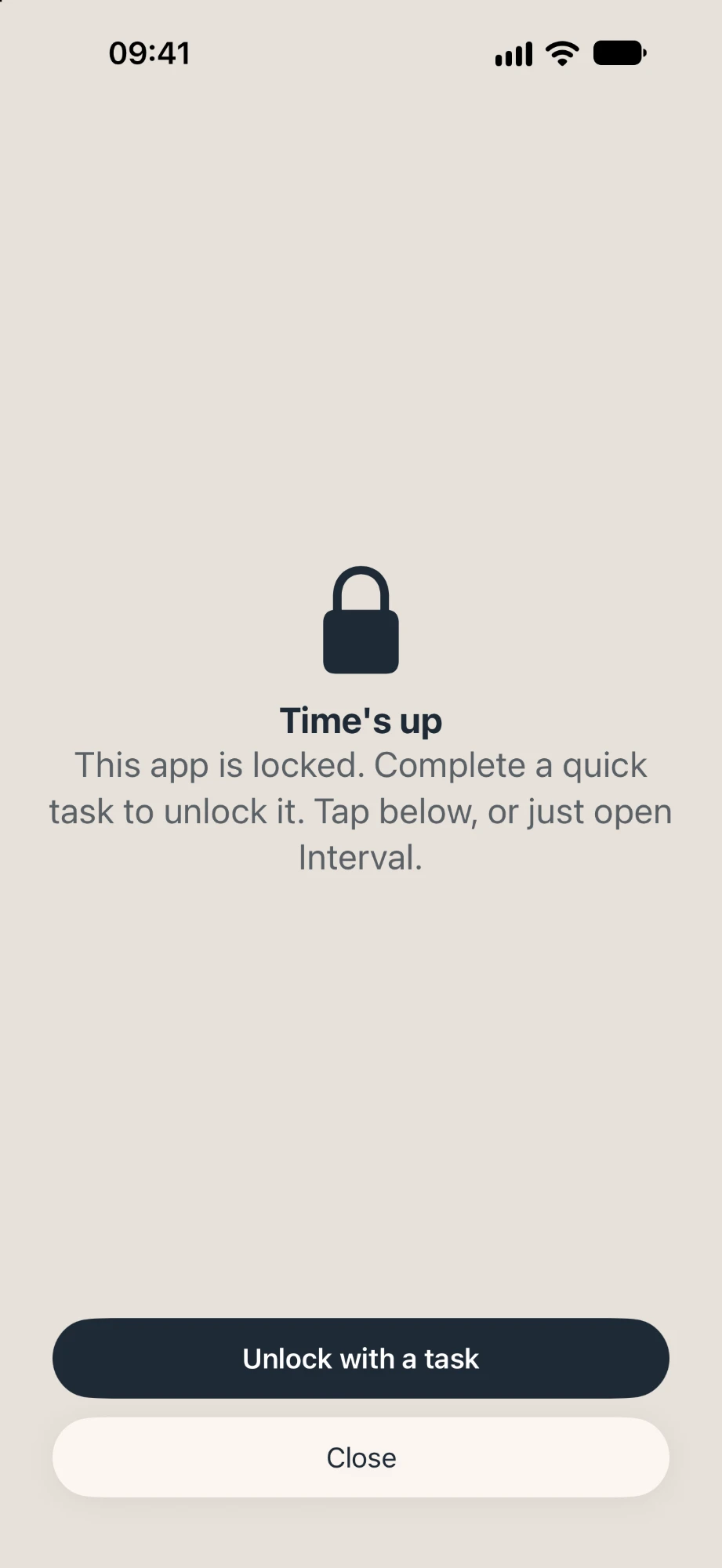
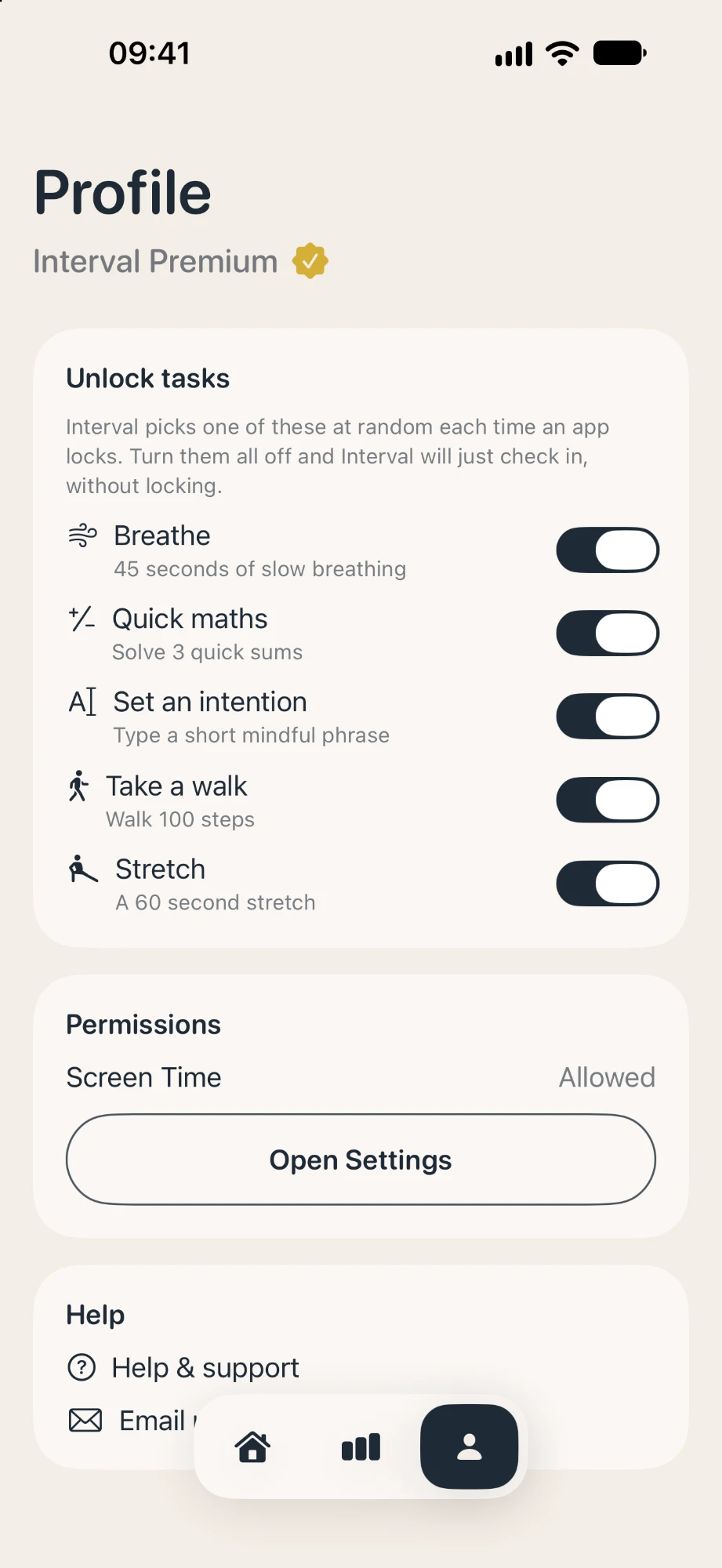
When an app locks, you earn it back with a short, healthy task. Interval picks one at random each time, so it never becomes muscle memory.
- Breathe — 45 seconds of slow breathing
- Quick maths — solve 3 quick sums
- Set an intention, take a 100-step walk or stretch for 60 seconds
03
Focus modes
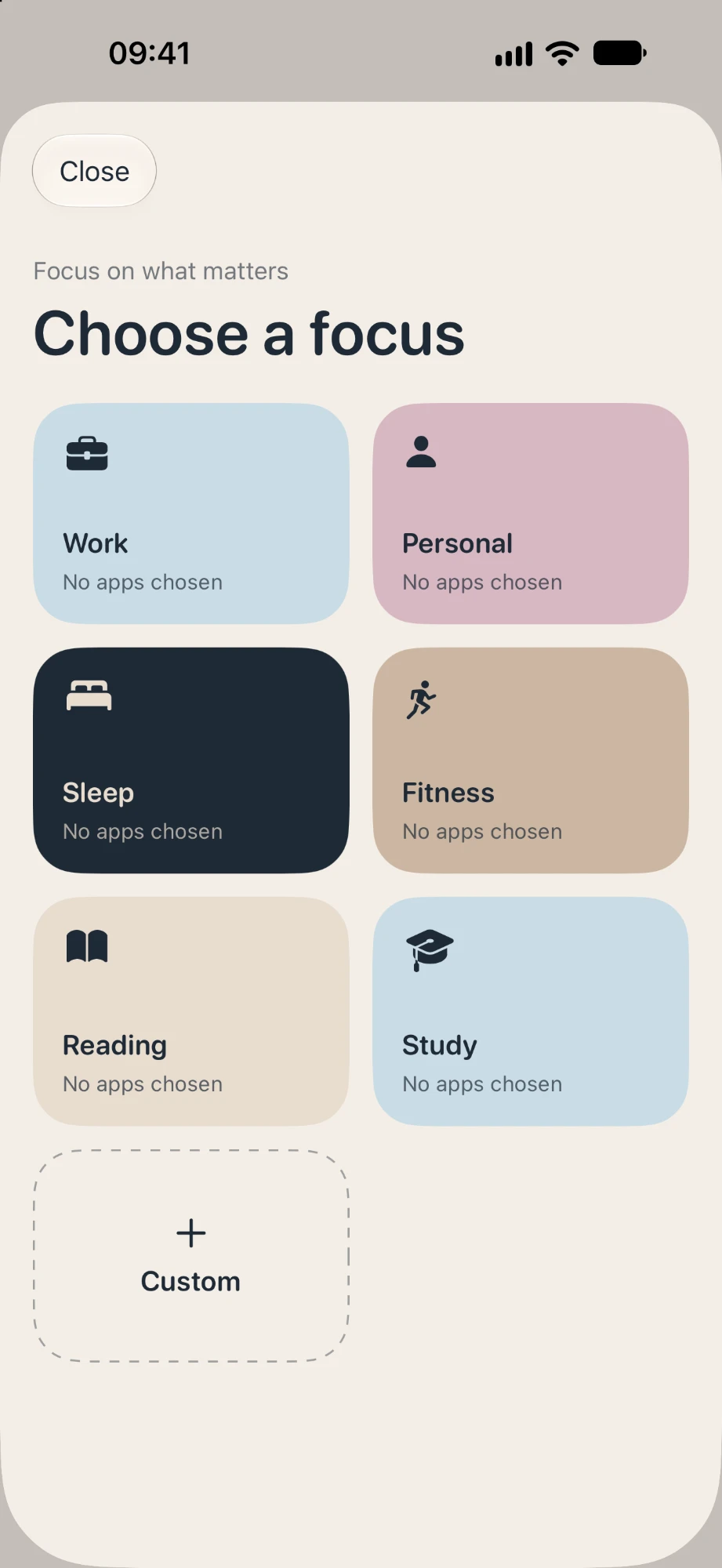
Block distracting apps for whatever you're doing — Work, Personal, Sleep, Fitness, Reading and Study — or build your own custom focus.
- Six ready-made modes
- Custom modes for your routine
- Start a session in a tap
04
Focus near Mac
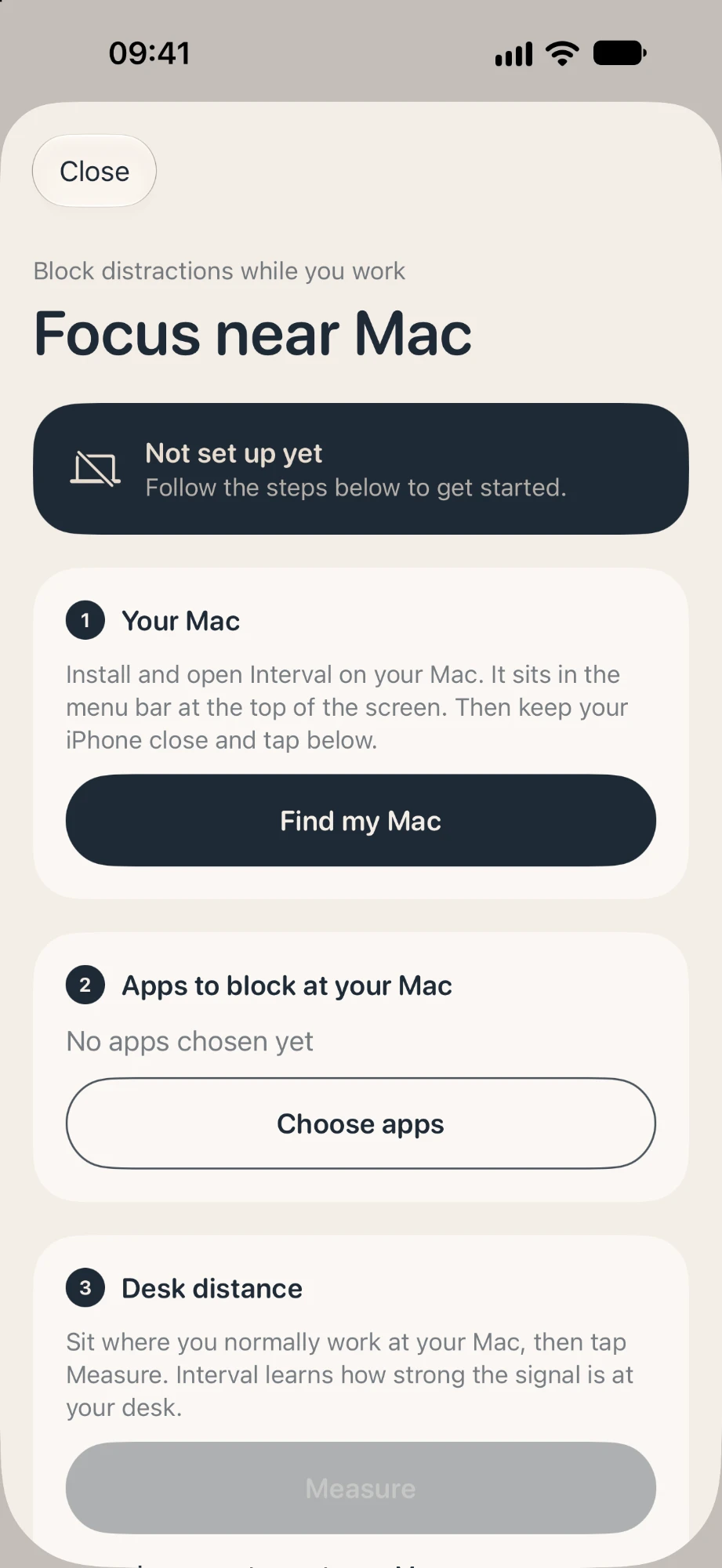
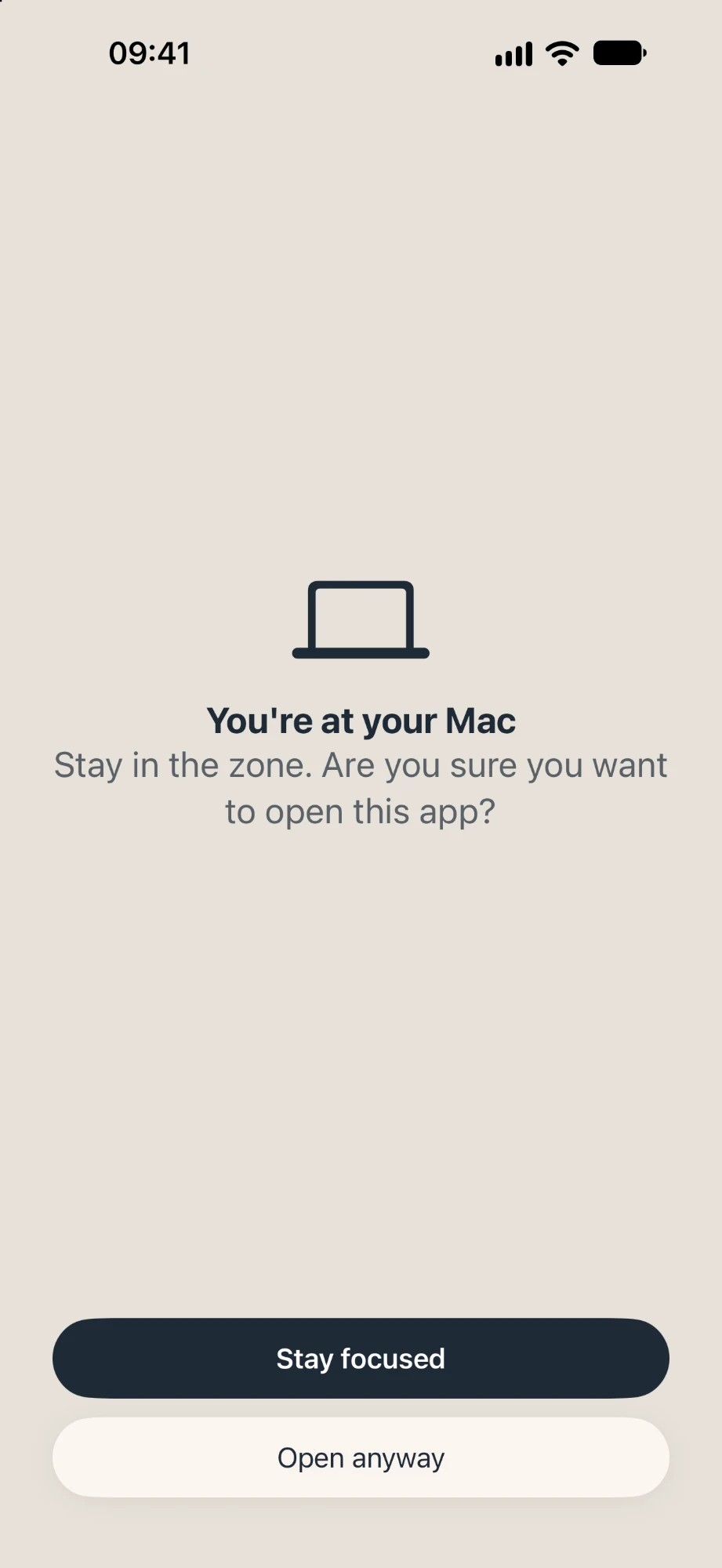
Sit down at your Mac and Interval quietly blocks your chosen iPhone apps. The companion Mac app lives in your menu bar and tells your iPhone when you're at your desk.
- Pairs with a tiny menu bar app
- Learns your desk distance
- “Stay in the zone” prompts while you work

And also
Calm, private, honest.
Time saved
See the time you've won back against your usual week, with a 14-day view.
Private by default
Built on Apple's Screen Time. No accounts, no tracking — your habits stay on your device.
Calm by design
Soft colours, plain words and no streak guilt. Interval nudges; it never nags.
Screens
Have a look around.
Swipe or scroll sideways to see every screen.
Interval Premium
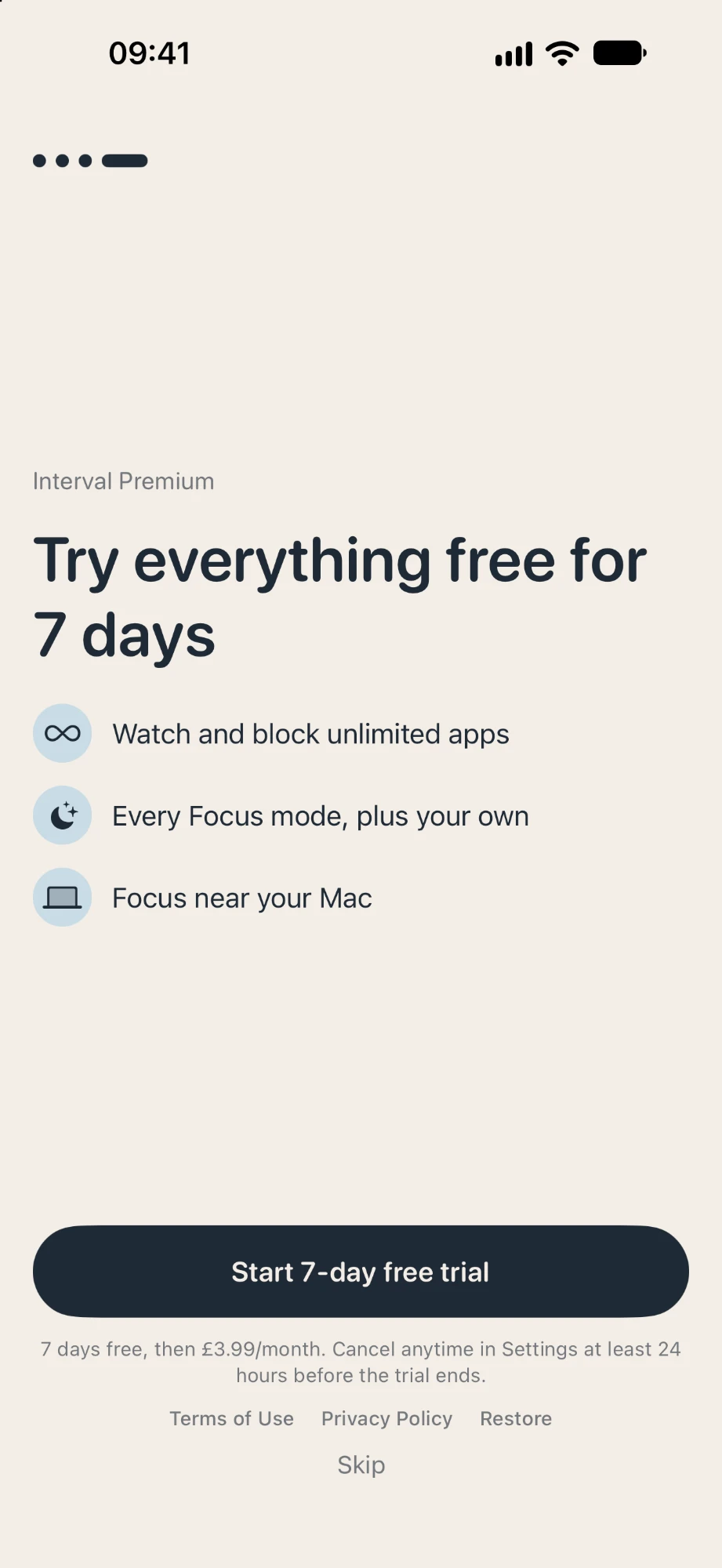
Try everything free for 7 days.
Watch and block unlimited apps, every Focus mode plus your own, and Focus near your Mac. Then £3.99/month — cancel anytime.
Want an app like this?
I designed and built Interval from scratch. If you have an idea for an iPhone or Mac app, I'd love to hear about it.